Apple Music Playlist Creator

Build playlists for real life.

Describe a moment, preview the songs, remove what you do not like, fill the gaps, and save a playlist you are actually happy with.

Start with smart picks. Finish with your taste.

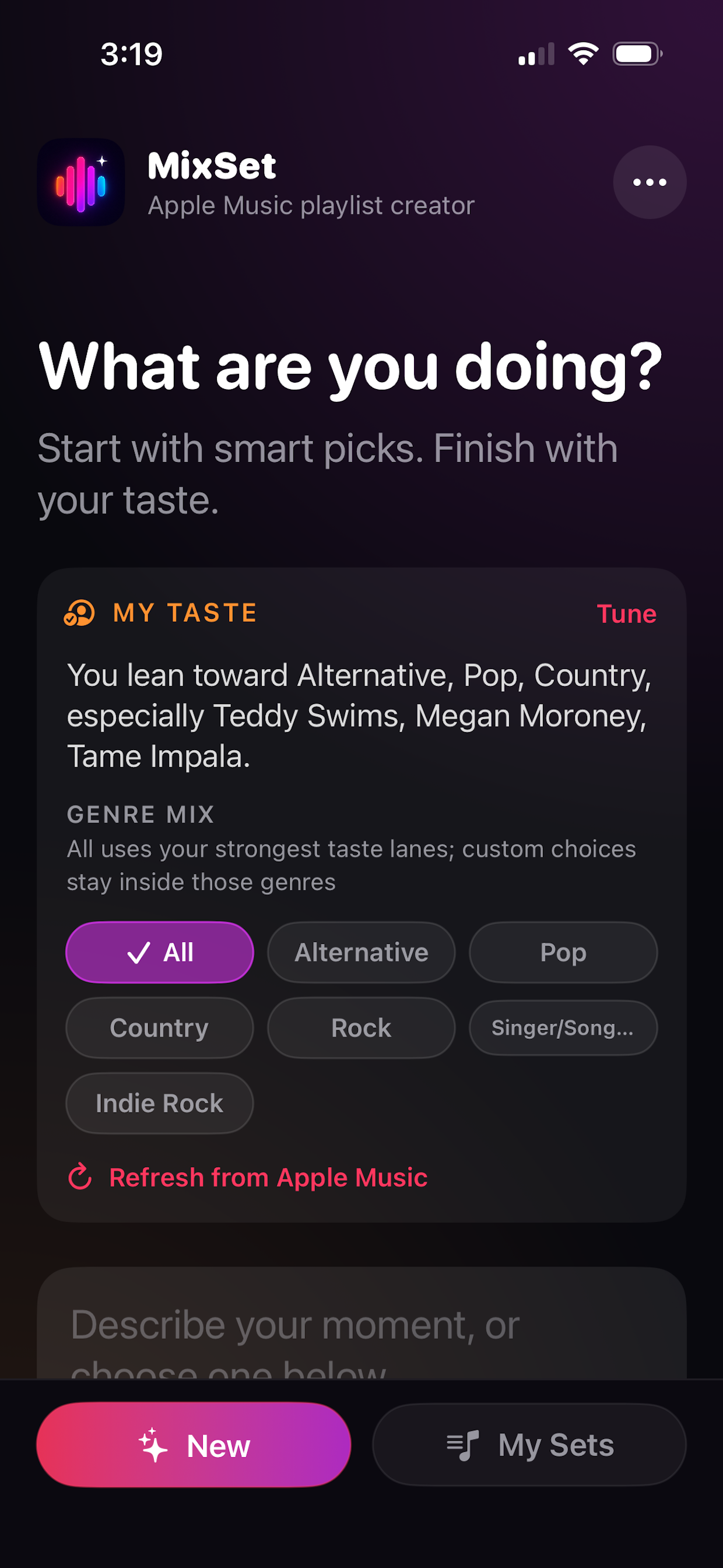
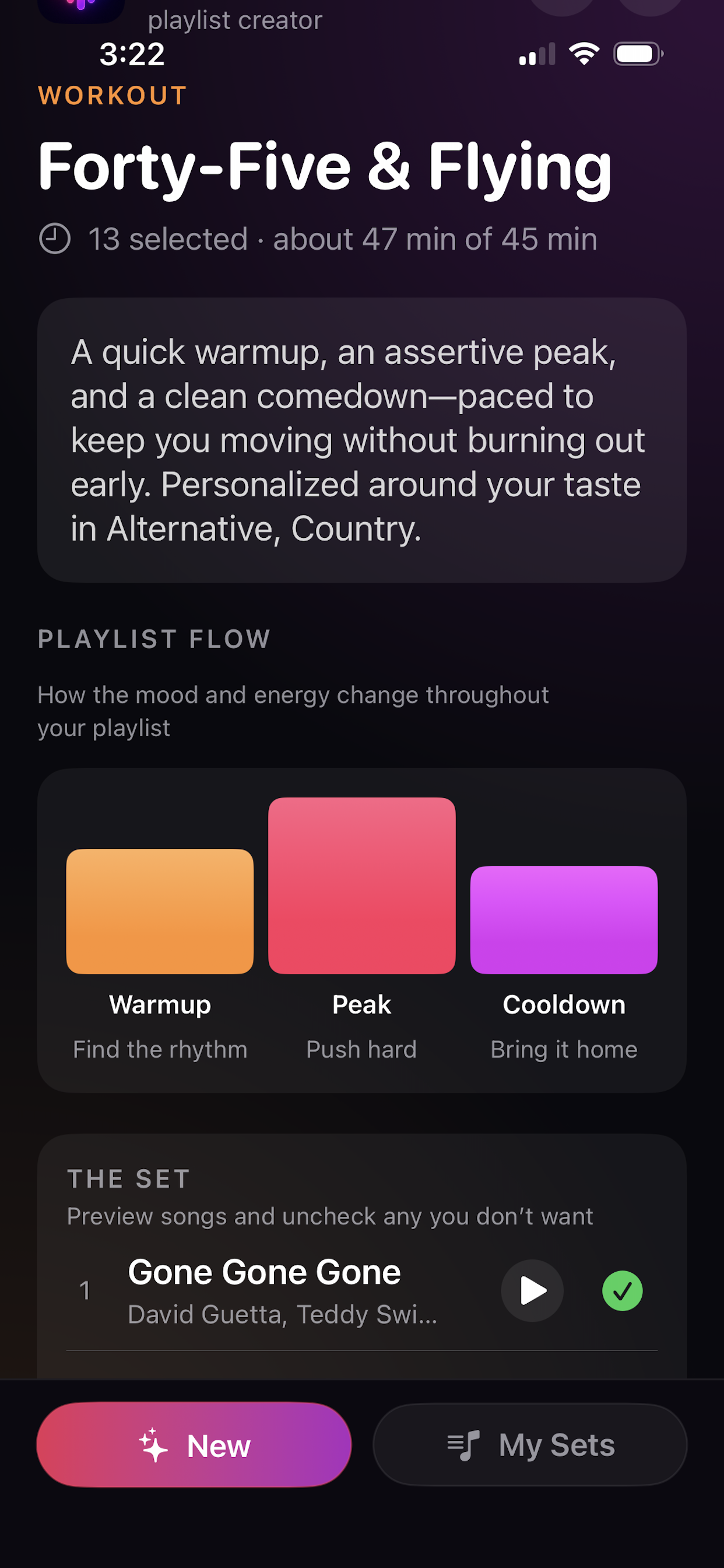
MixSet home screen showing moment prompt and Apple Music playlist creation

The playlist app for people who actually edit playlists.

MixSet is built around the part Apple Music does not focus on enough: shaping a playlist until it fits your moment.

Describe a moment

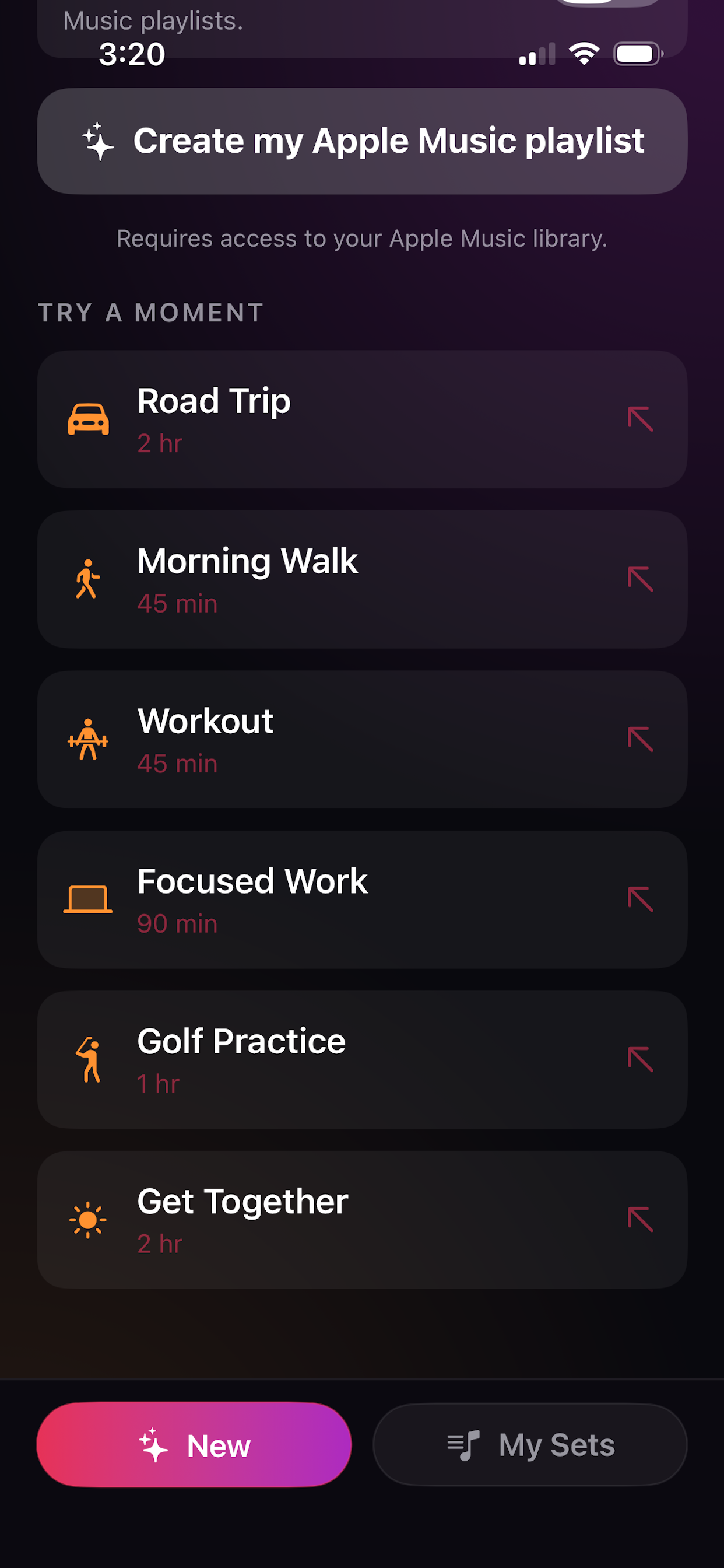
Type what you are doing — a walk, drive, workout, cookout, focus session, or quiet morning — and MixSet starts a playlist draft.

Tuned to your taste

MixSet uses Apple Music signals to lean into artists and genres you already like, with genre chips when you want more control.

Preview before saving

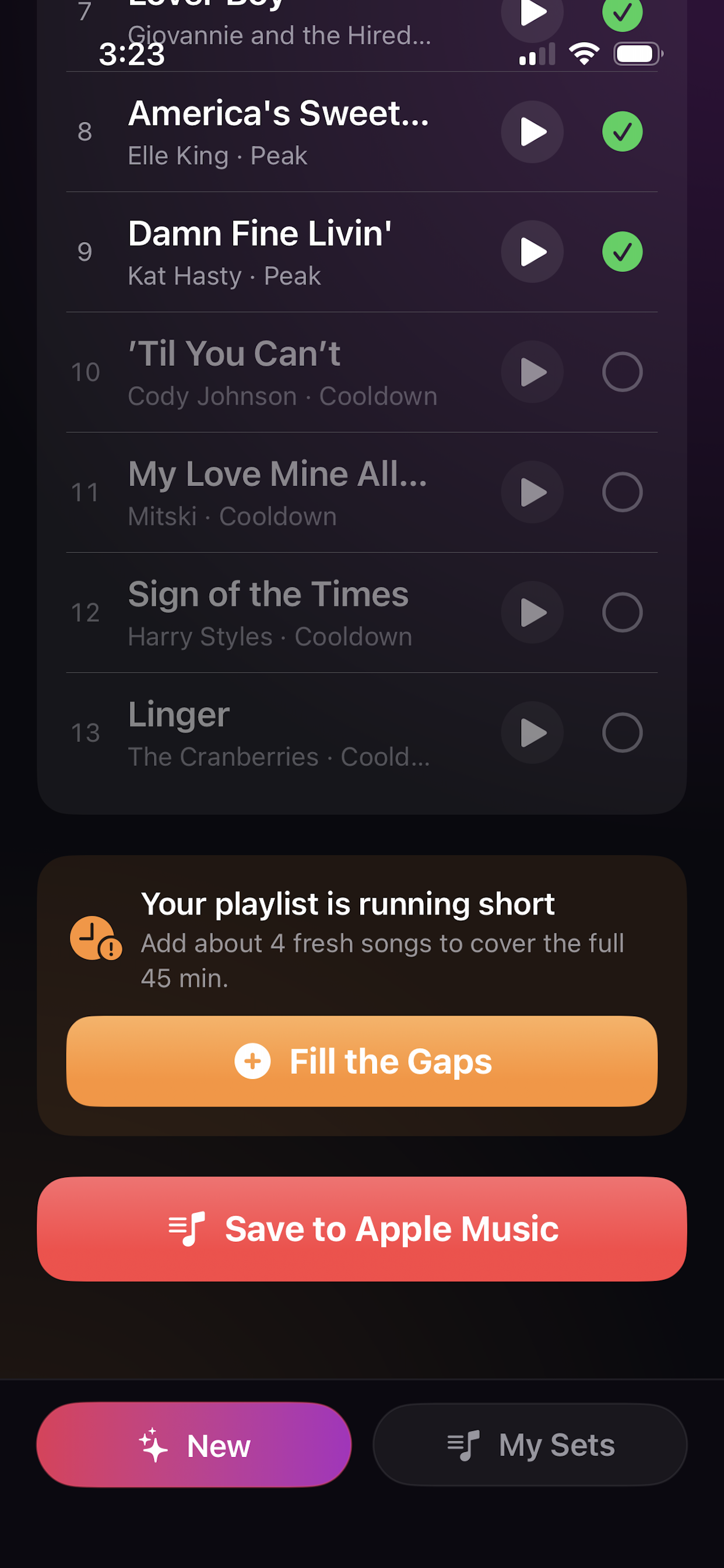
Play quick previews from the draft list so you can catch songs that do not belong before they hit your library.

Keep or remove

Use checkmarks to remove songs you are tired of, songs that miss the mood, or songs you simply do not want today.

Fill the Gaps

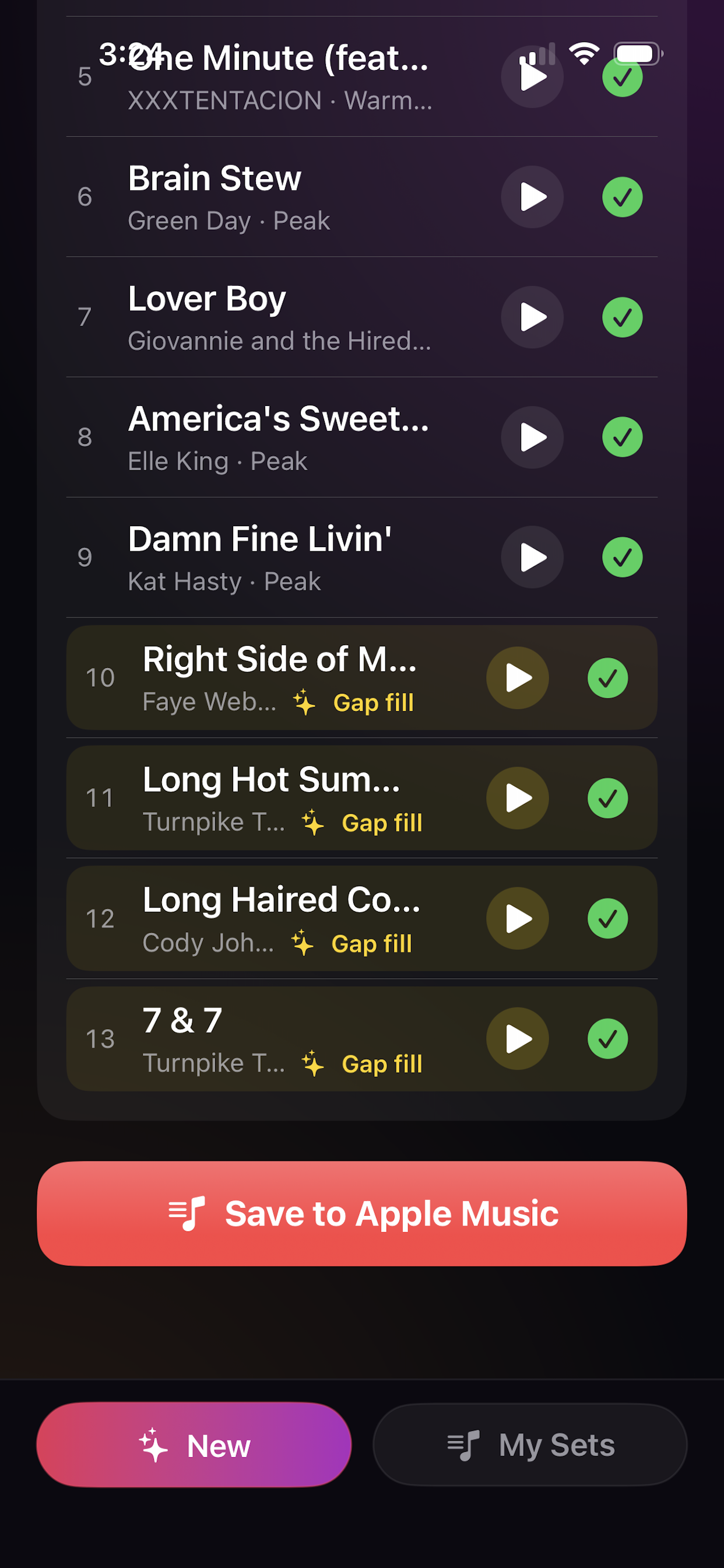
If you remove too many songs, MixSet adds fresh replacements and highlights the new gaps so you can review them quickly.

Make fresh playlists

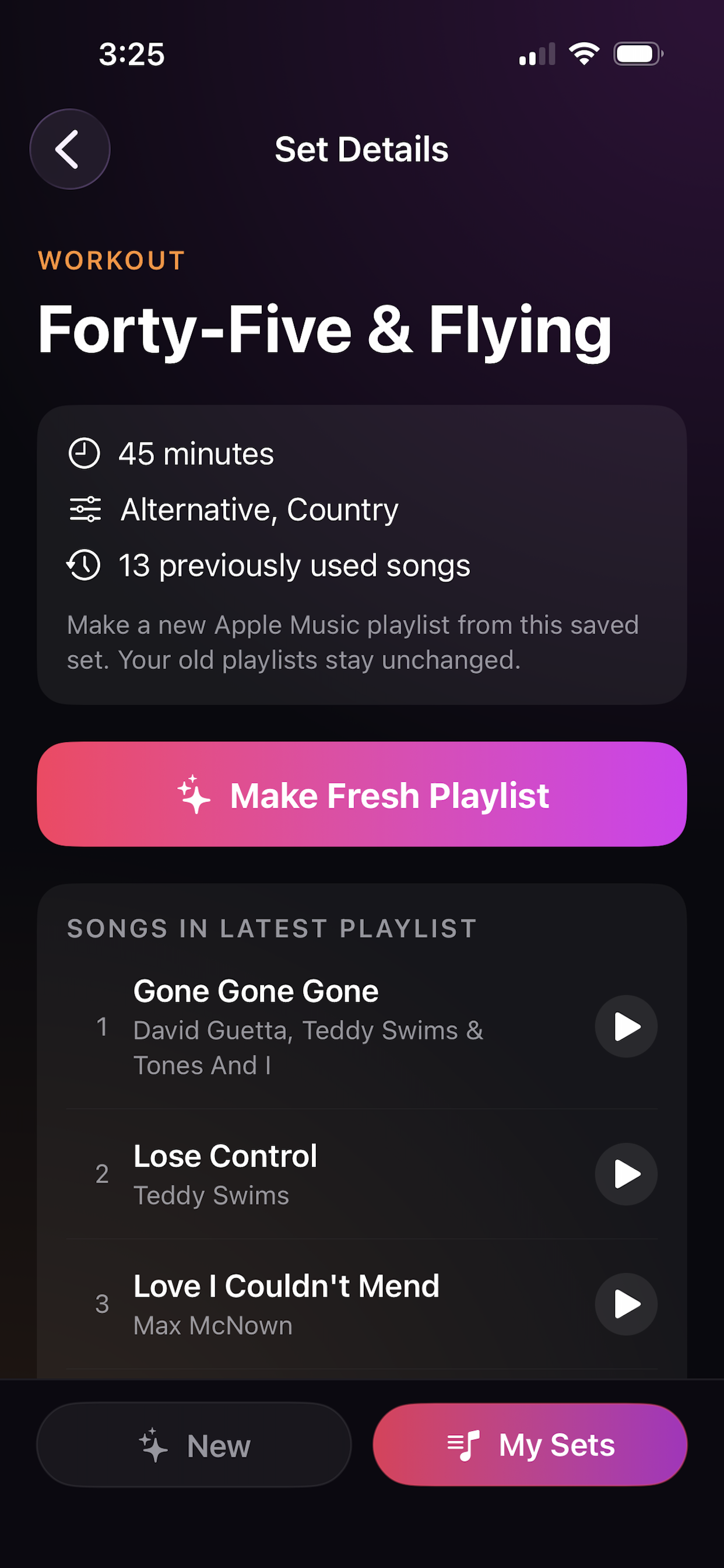
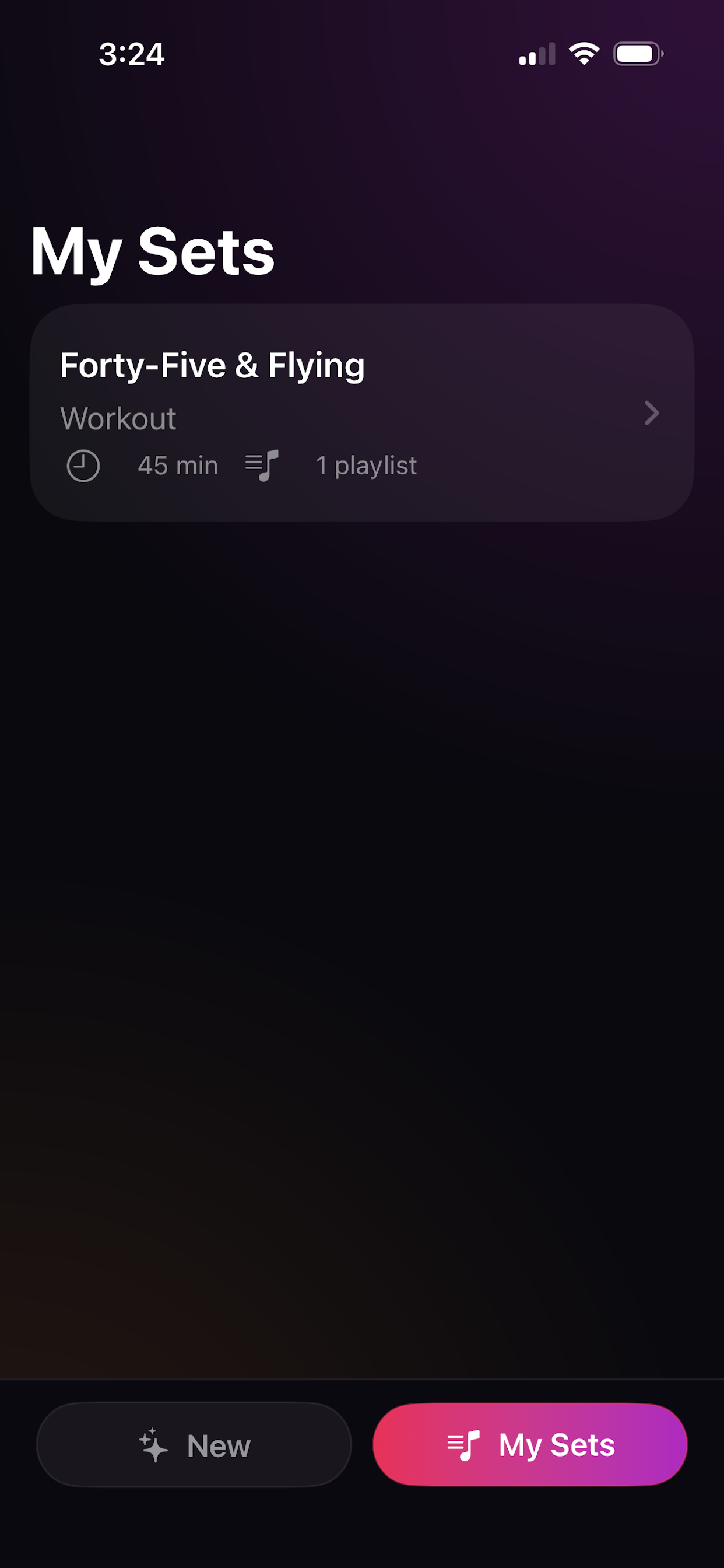
Save your playlist recipes in My Sets, then create a new Apple Music playlist when a favorite walk, drive, or workout set gets stale.

MixSet playlist review screen with play buttons and checkmarks
Review every pick

Do not save a playlist blind.

Preview songs, read why a song fits, keep the good stuff, and remove anything that breaks the mood. MixSet helps you shape one until you are happy.

Keep it fresh

When a playlist gets old, make a new version.

Your saved sets remember the original moment and playlist recipe. Tap a saved set to make a new Apple Music playlist with different songs. Your old playlists stay unchanged.

MixSet My Sets screen showing saved playlist versions

How MixSet works

A simple flow for creating Apple Music playlists that fit what you are actually doing.

1

Describe

Enter a moment like “Morning walk,” “Road trip,” or “Backyard BBQ.”

2

Choose length

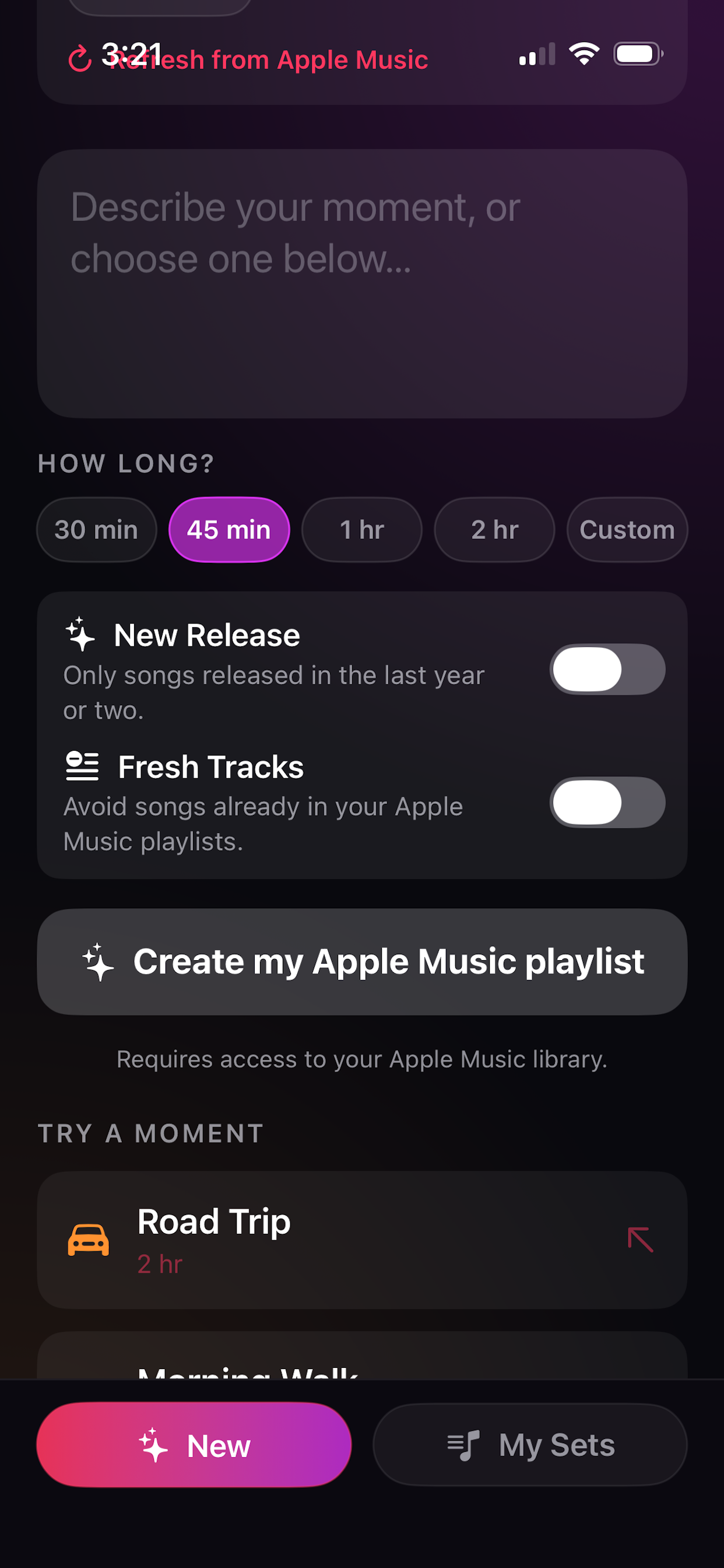
Pick how long the playlist should be, from a short session to a long drive.

3

Review

Preview songs, uncheck misses, and use Fill the Gaps when the list gets short.

4

Save

Save the finished playlist directly to your Apple Music library.

Start with smart picks. Finish with your taste.